Electronic Input Devices
Experimenting with sensors: Accelerometers, Gyroscopes, Microphones, and Capacitive Touch.
Objective
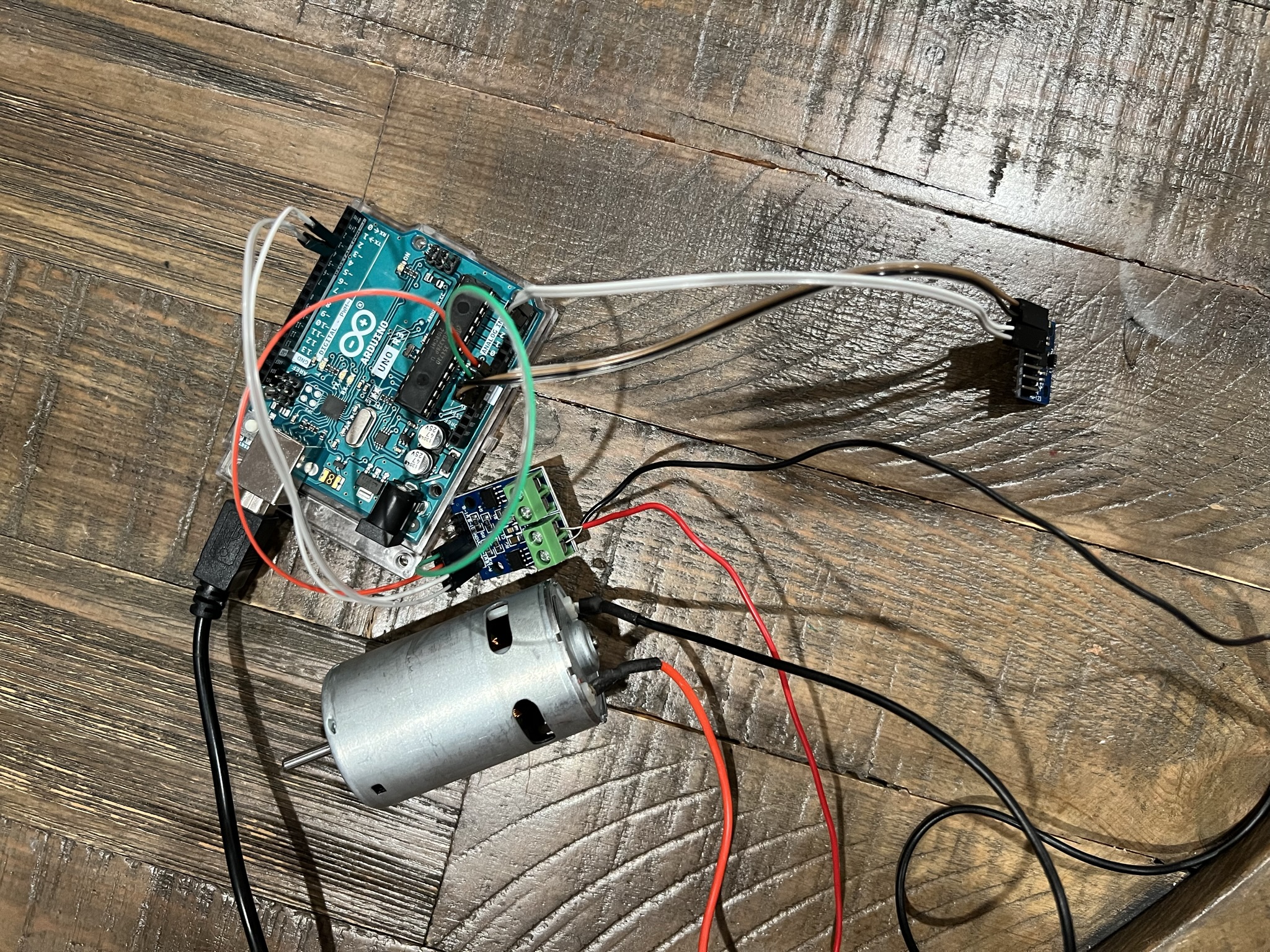
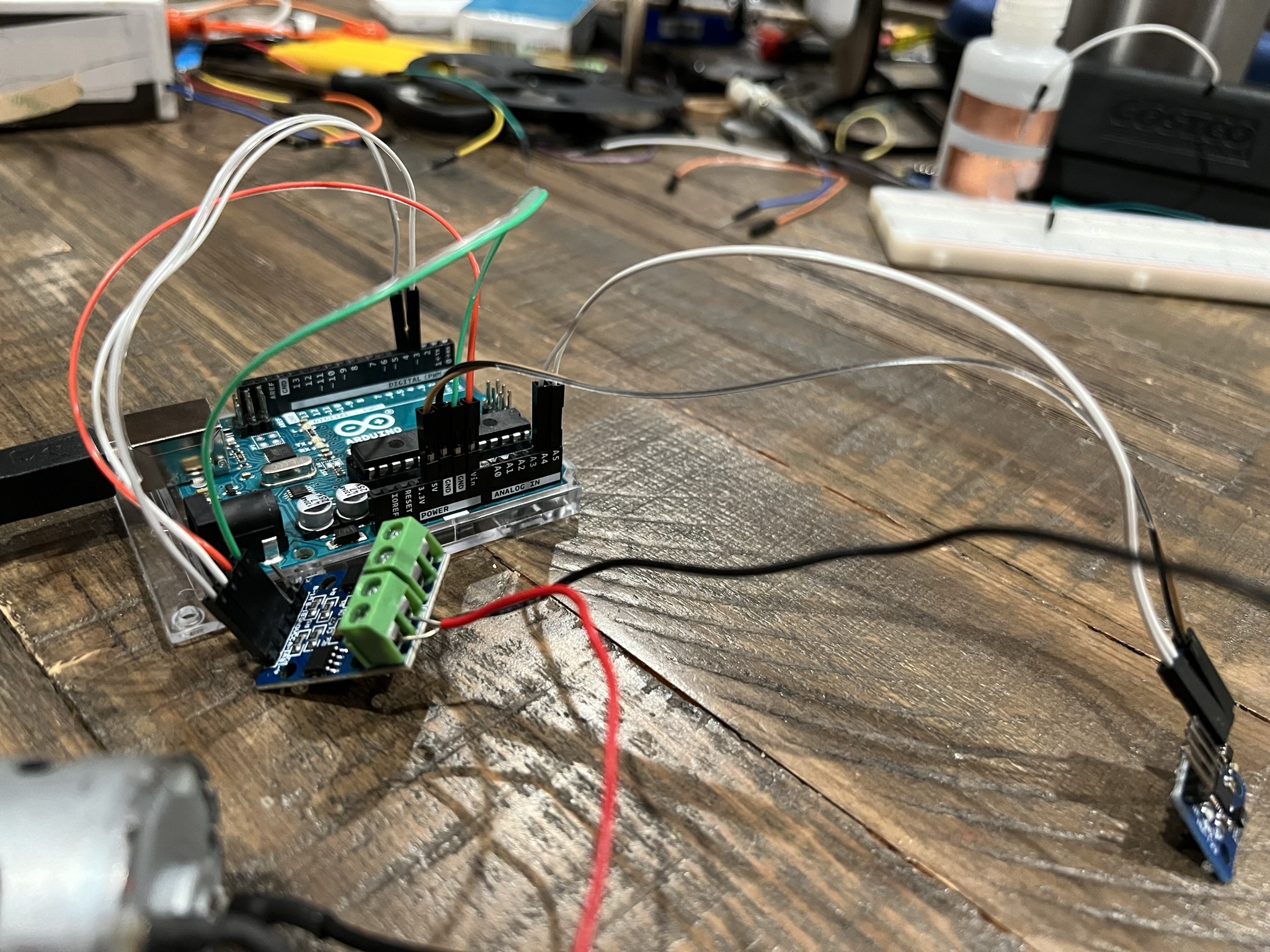
This week focused on interfacing various sensors (heat, magnetic Hall effect, motion) with microcontrollers. Inspired by my final project ideas, I decided to prototype a hand-gesture controlled car using an MPU6050 to detect tilt and orientation.
MPU 6050 IMU
Inertial Measurement Unit (Accelerometer + Gyroscope)
Accelerometer
Measures gravitational and dynamic acceleration. For the car project, detecting sudden stops or "pull-back" gestures relies on sensing linear force changes.
Gyroscope
Measures rotational velocity (rad/s) along the Roll, Pitch, and Yaw axes. This is crucial for detecting hand tilt to steer the car left or right.
Data Analysis & Logic
I analyzed the serial plotter output to determine threshold values. The graph shows the sensor's pitch (blue line).
- Tilt Up: Line spikes positive → Motor Forward
- Tilt Down: Line dips negative → Motor Stop/Reverse
.png)
#include <Adafruit_MPU6050.h>
#include <Adafruit_Sensor.h>
#include <Wire.h>

Adafruit_MPU6050 mpu;
const int MOTOR_A = 3;
const int MOTOR_B = 4;

void setup(void) {
    Serial.begin(115200);
    pinMode(MOTOR_A, OUTPUT);
    pinMode(MOTOR_B, OUTPUT);

    if (!mpu.begin()) {
        Serial.println("Failed to find MPU6050");
        while (1) delay(10);
    }

    mpu.setAccelerometerRange(MPU6050_RANGE_16_G);
    mpu.setGyroRange(MPU6050_RANGE_250_DEG);
    mpu.setFilterBandwidth(MPU6050_BAND_21_HZ);
}

void loop() {
    sensors_event_t a, g, temp;
    mpu.getEvent(&a, &g, &temp);

    // Tilt Logic
    if (g.gyro.x <= -8) {
        digitalWrite(MOTOR_A, HIGH); // Move
    } else if (g.gyro.x >= 8) {
        digitalWrite(MOTOR_A, LOW);  // Stop
        digitalWrite(MOTOR_B, LOW);
    }
    delay(10);
}
Audio Input
Clap/Sound Activated Switch
I initially used a piezo sensor (vibration) to activate my car, but it required physical tapping. I switched to a microphone for a "hands-free" approach. The code samples the audio window (50ms) to detect peak-to-peak amplitude changes.
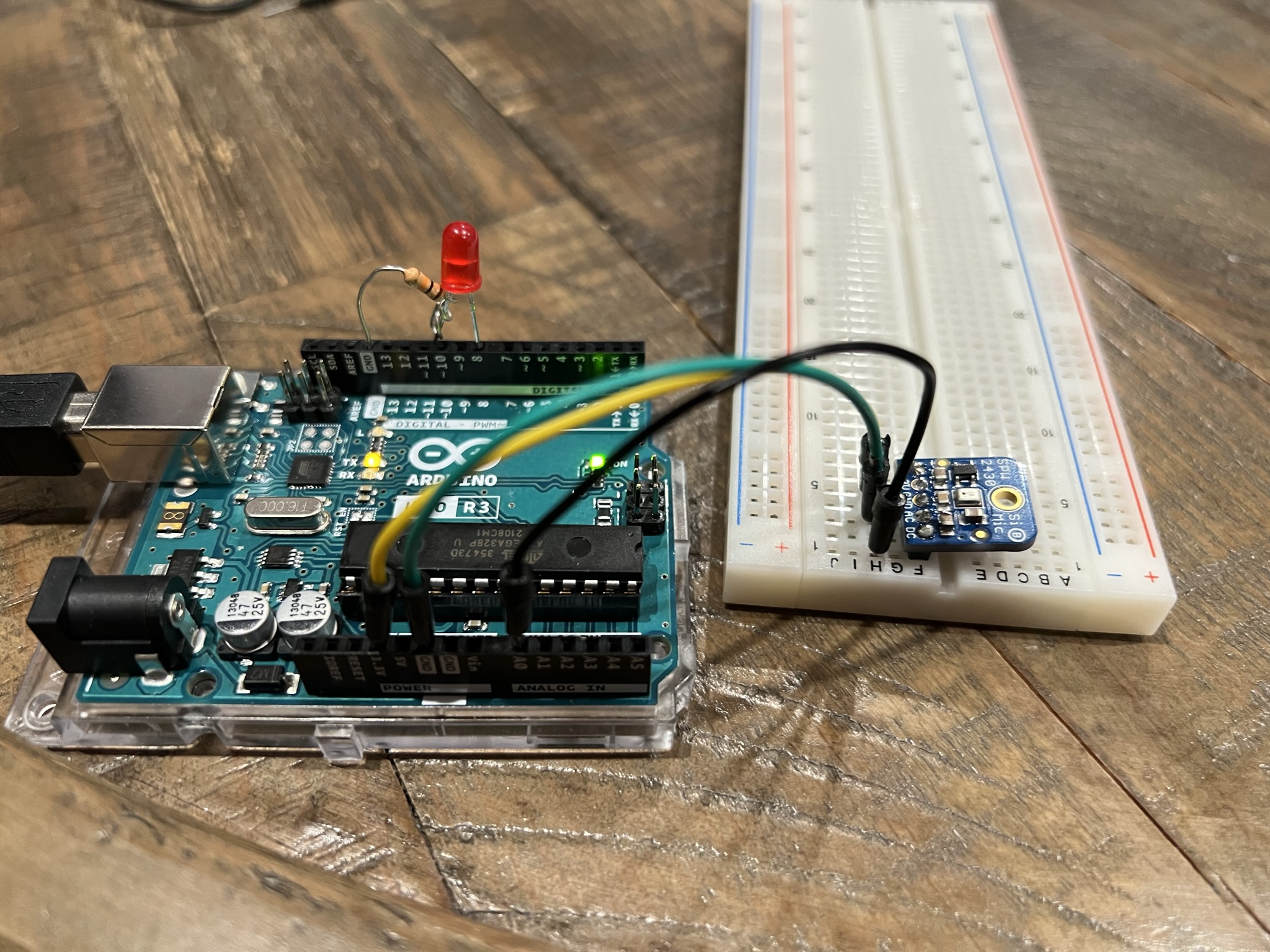
const int sampleWindow = 50;
unsigned int sample;
const int LED = 8;

void loop() {
   unsigned long startMillis= millis();
   unsigned int peakToPeak = 0;
   unsigned int signalMax = 0;
   unsigned int signalMin = 1024;

   while (millis() - startMillis < sampleWindow) {
      sample = analogRead(0);
      if (sample < 1024) {
         if (sample > signalMax) signalMax = sample;
         else if (sample < signalMin) signalMin = sample;
      }
   }
   peakToPeak = signalMax - signalMin;

   if (peakToPeak >= 8) {
     digitalWrite(LED, HIGH);
     delay(2000);
     digitalWrite(LED, LOW);
   }
}
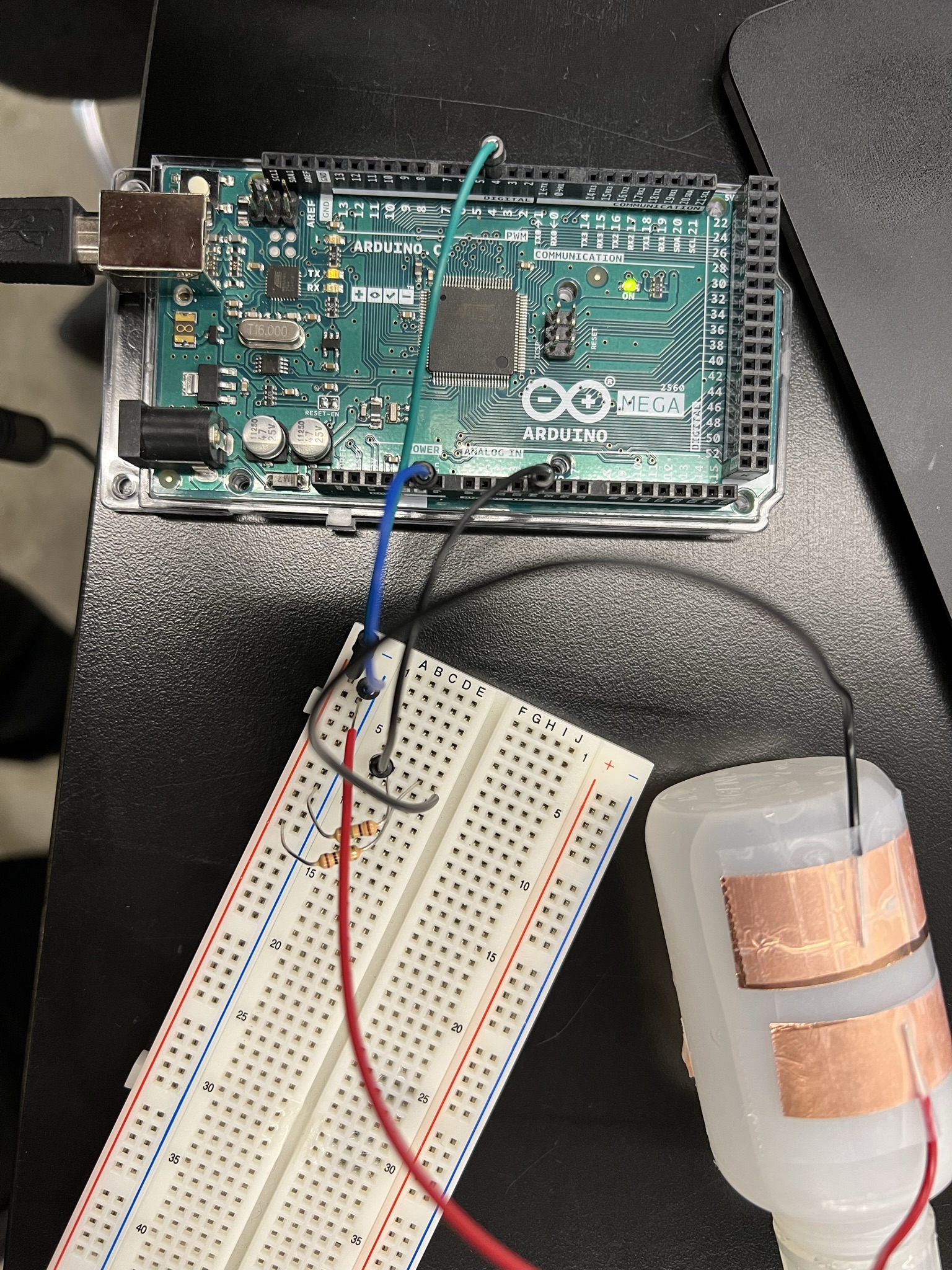
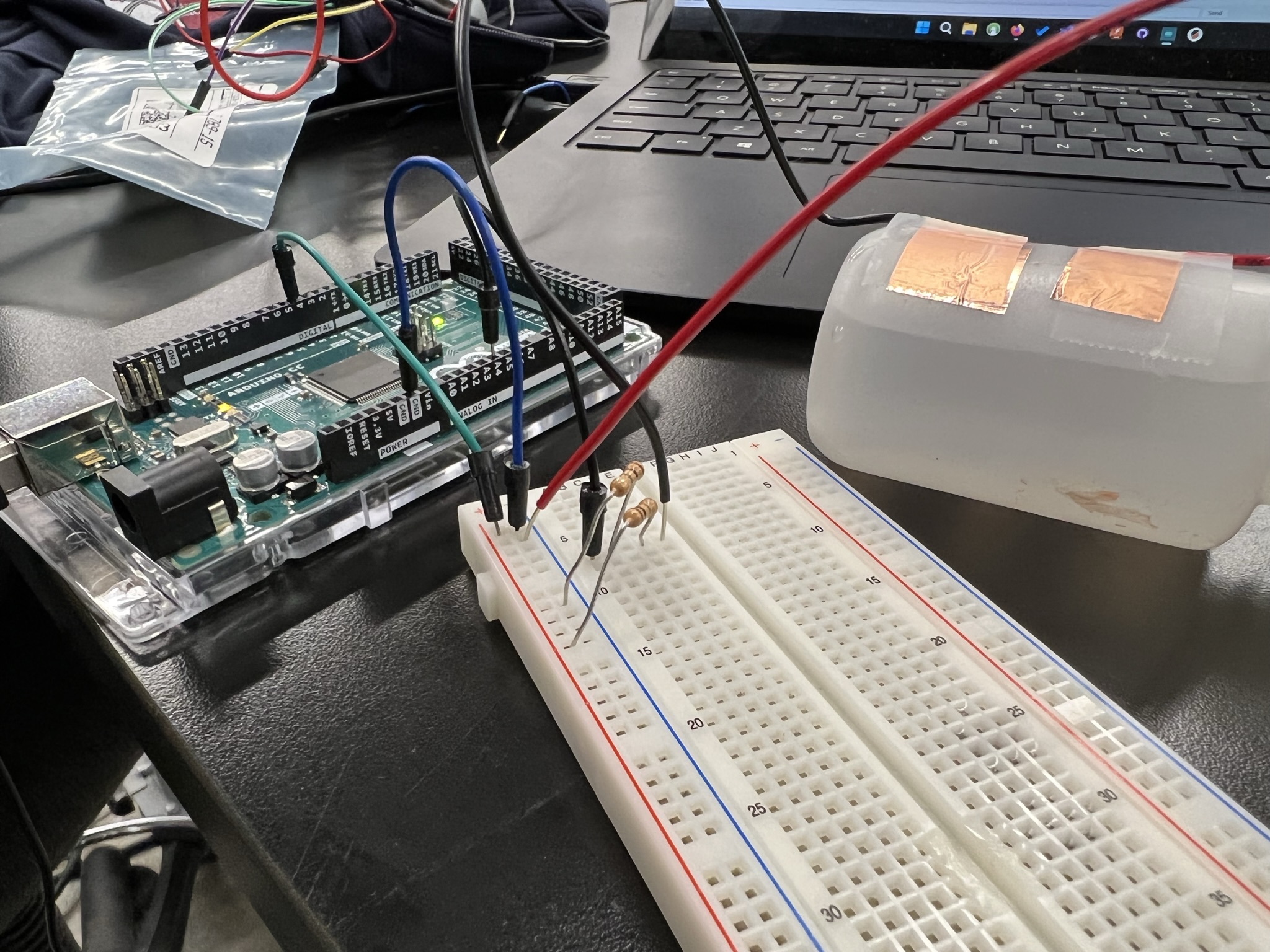
Capacitive Tilt Sensor
Experimental bottle tilt alarm
I attempted to recreate an accelerometer's function using a capacitive approach (two conductive sheets). I built a "bottle tilt sensor" with a buzzer alarm to warn of spills.
Outcome: Less accurate than the MPU6050. It worked as a binary tilt switch rather than a granular accelerometer.