Microcontroller Programming
Bridging C++ logic with physical hardware: From basic LEDs to a piezo-activated vehicle.
Hello, World!
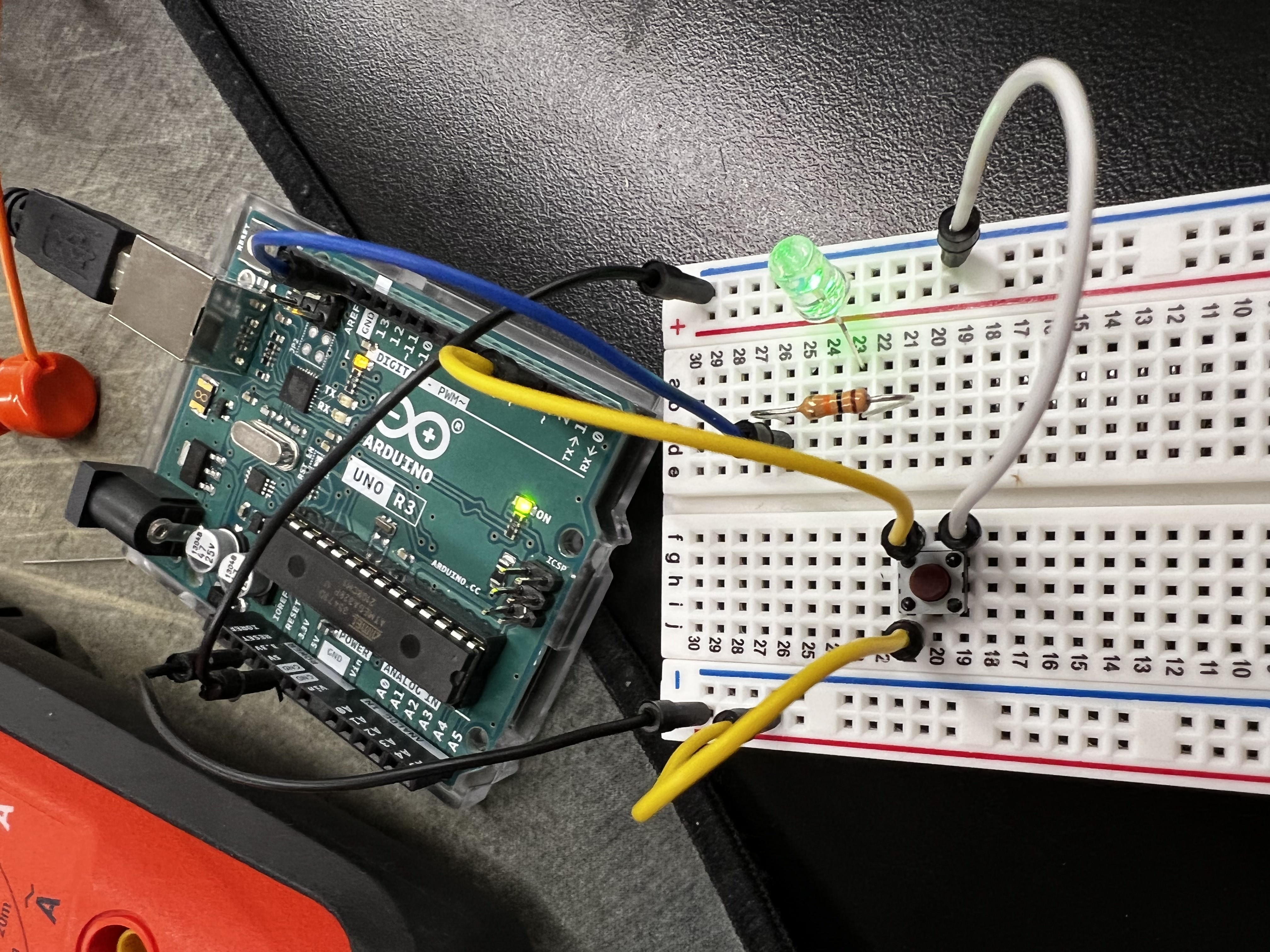
My first interaction with microcontrollers. A simple logic gate: if button press == true, then LED = ON.
L9110 Motor Driver
Moving to higher loads. Using an external driver to interface the Arduino with a DC motor via PWM pins 3 and 4.
Pulse Width Modulation (PWM)
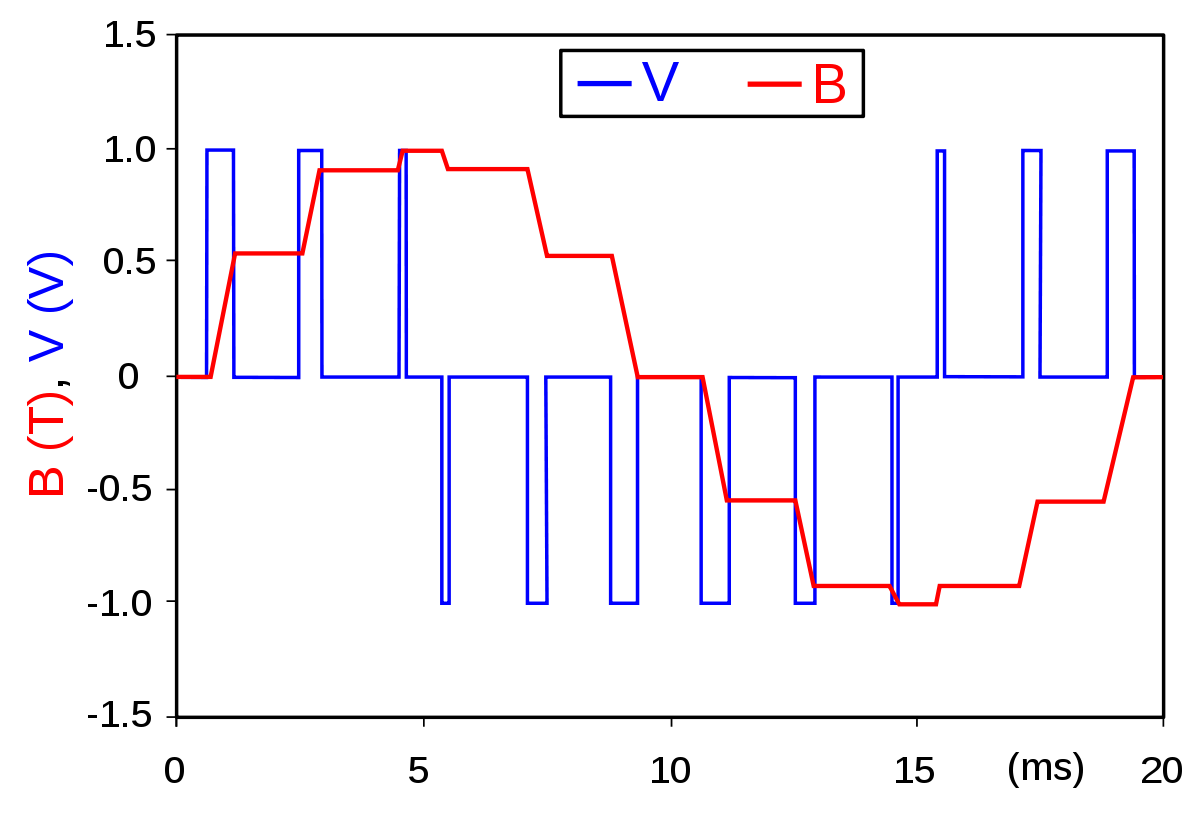
PWM is a method of reducing the average power delivered by an electrical signal. By chopping the signal into discrete "on" and "off" parts, we can simulate analog voltage.
Application: This allows us to control motor speed or LED brightness, rather than just having them fully On or Off.
First Attempt: The "Clapper"
Using a Piezo sensor to trigger an LED.
.png)
const int piezo = 0;
const int LED = 13;

void setup() {
  pinMode(LED, OUTPUT);
}

void loop() {
  // Threshold check
  if (analogRead(piezo) >= 5) {
    digitalWrite(LED, HIGH);
    delay(5000);
    digitalWrite(LED, LOW);
  } else {
    digitalWrite(LED, LOW);
  }
}
Evolution of Design
Prototype v1: Failed (Low Torque)
Final Design: Geared Motor
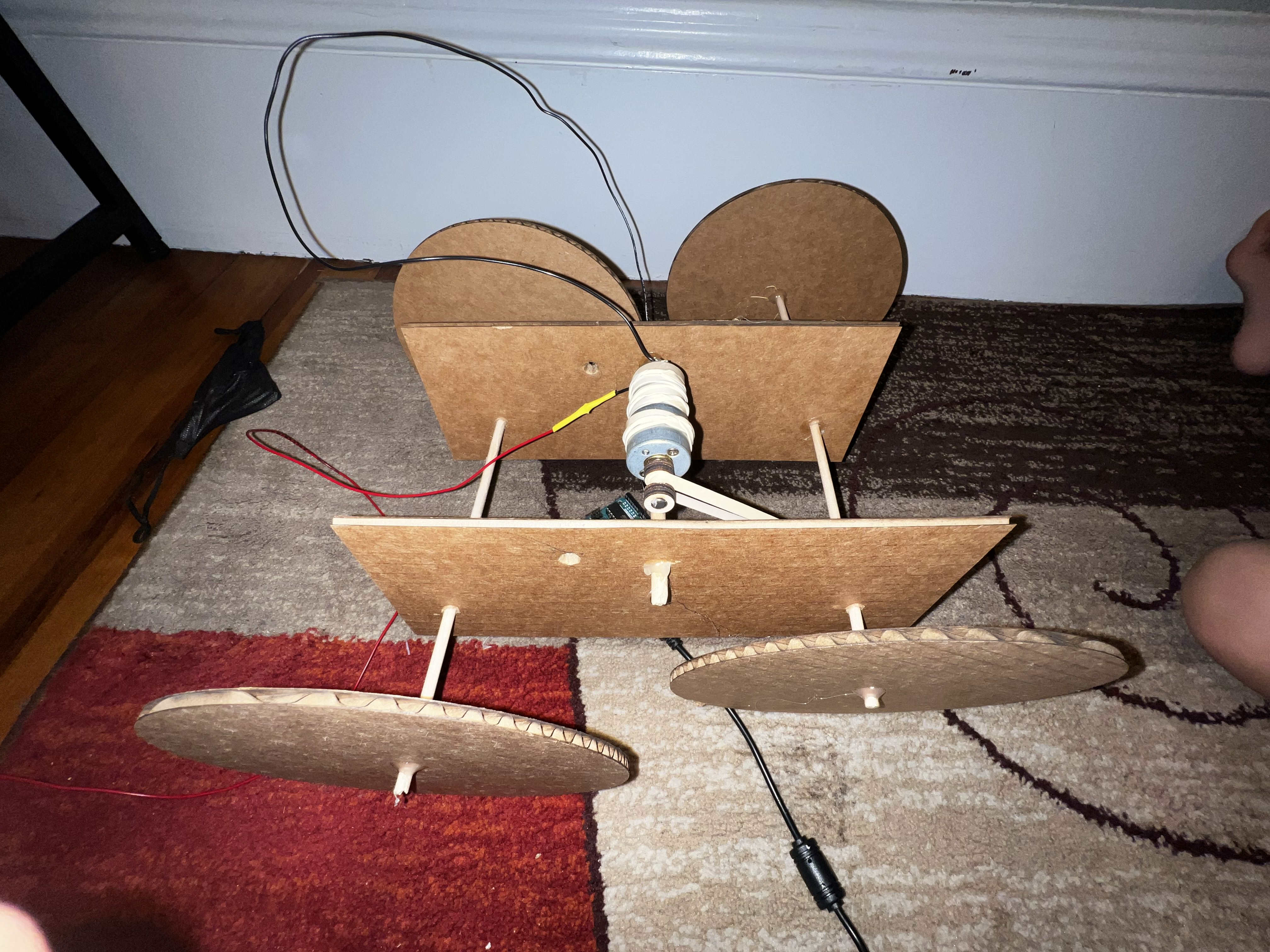
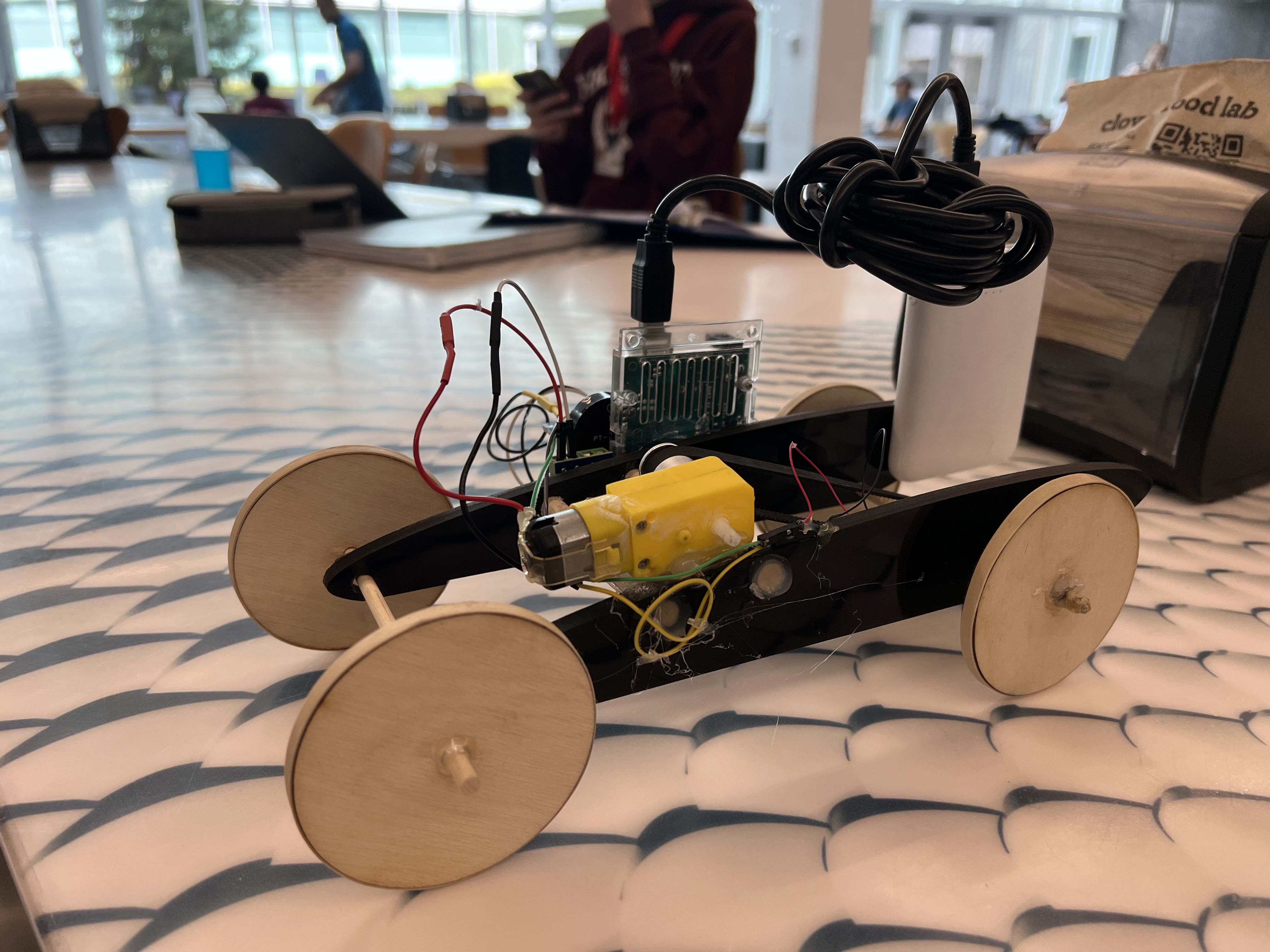
"RPM ≠ Power." My first attempt failed because the motor lacked torque. Adding a gearbox transformed that speed into the torque needed to move the vehicle.
Final Result: The Piezo Vehicle
A car activated by physical impulses (taps/claps).
Optimization
I spent time benchmarking loop structures. While it looks verbose, manually constructing the loop using a while(1) with a break condition proved slightly faster in runtime execution during my 15 tests than a standard for loop.
Standard Approach:
for (int i=0; i<2; i++) { ... }My Optimized Approach:
while(1) { if(i==2) break; ... }
const int PIEZO_PIN = A0;
const int MOTOR_A = 3;
const int MOTOR_B = 4;
const int BUZZER = 8;
int triggerCount = 0;

void setup() {
    pinMode(BUZZER, OUTPUT);
    pinMode(MOTOR_A, OUTPUT);
    pinMode(MOTOR_B, OUTPUT);
    analogWrite(MOTOR_A, 0); // Ensure motor starts off
    Serial.begin(115200);
}

void loop() {
    while (1) {
        // Threshold check: Reading > 20
        // Toggle Logic: Even counts = ON, Odd counts = OFF

        if (analogRead(PIEZO_PIN) >= 20 && (triggerCount % 2) == 0) {

            analogWrite(MOTOR_A, 255); // Motor Full Speed

            // Audio Feedback Loop
            int i = 0;
            while (1) {
                tone(BUZZER, 445);
                delay(200);
                noTone(BUZZER);
                if (i == 2) break; // Optimized break condition
                i++;
            }
            triggerCount++; // Increment state
            delay(500);     // Debounce

        } else if (analogRead(PIEZO_PIN) >= 20 && (triggerCount % 2) != 0) {

            analogWrite(MOTOR_A, 0); // Motor Stop
            triggerCount++;
            delay(500); // Debounce
        }
    }
}